What to check before launching your business website
Getting your site ready for visitors
Launching a business website feels like a milestone, and it is. But a rushed launch can leave you fixing problems while customers are already clicking around. A few checks beforehand save time, money, and the awkwardness of a broken first impression. Whether you are building a single page or a full site, the same principles apply: clarity, reliability, and a clear path for your visitors.
The checklist below covers the essentials. It is not about fancy features. It is about making sure the basics work, so your site does its job from day one.
Domain and hosting basics
Your domain name is your address on the web. Before launch, confirm that it is registered correctly and set to point to your hosting provider. A typo in the DNS settings can send visitors nowhere. Check that the domain renews automatically or that you have a reminder set. Losing a domain because of an expired payment is a common and avoidable problem.
Hosting is where your site lives. Make sure the hosting plan matches what your site needs. If you expect steady traffic, shared hosting often works fine. If you expect spikes, such as after a promotion, consider something with more resources. Ask your provider about uptime guarantees and support response times. A slow or frequently down site damages your reputation fast.
Home page and first impressions
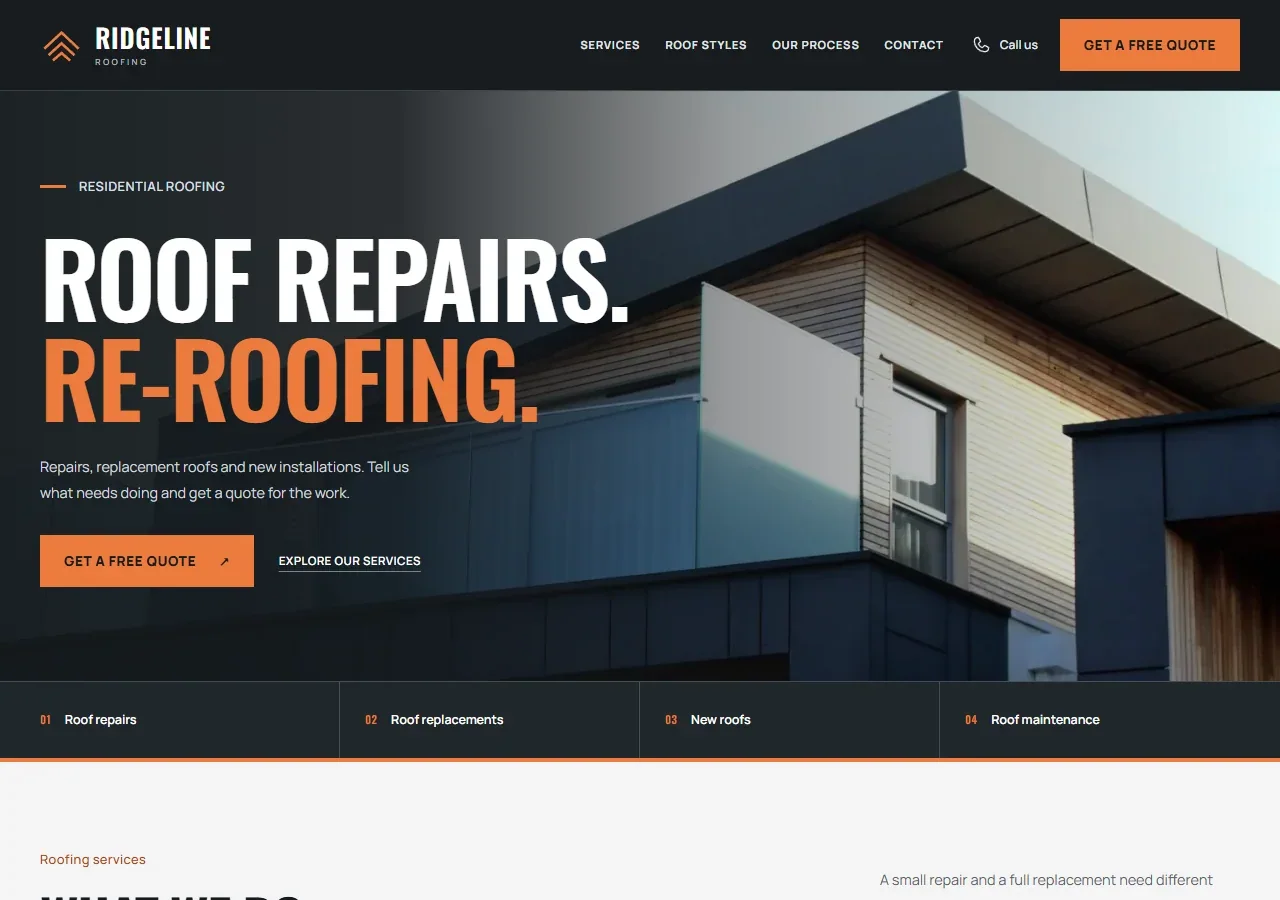
Your home page is where most visitors land. It should state clearly what you do and why someone should care. Within a few seconds, a visitor should know whether they are in the right place. Avoid vague taglines. Use concrete language that matches what customers search for.
Check that your home page loads quickly. Image files that are too large, too many scripts, or unoptimised code can slow things down. Use a tool like Google's PageSpeed Insights to test. Aim for a load time under three seconds. Every second beyond that increases the chance someone leaves.

Also check that the home page works on a mobile screen. More than half of web traffic now comes from phones and tablets. If your site looks cramped or buttons are hard to tap on a small screen, you will lose visitors. Test on an actual device, not just by resizing your browser window.
Service pages and business details
Service pages explain what you offer. Each page should focus on one service or product. Avoid long blocks of text. Break content into short paragraphs, use headings, and include a clear call to action at the end. What do you want someone to do after reading? Call you, fill in a form, or buy something? Make that next step obvious.
Business details are easy to overlook. Check that your phone number, email address, and physical address (if you have one) are correct and consistent across every page. Inconsistent details confuse customers and can hurt your local search ranking. If you have multiple locations, list each one clearly.
Consider adding a contact form. It gives visitors a low-friction way to reach you. Test the form yourself. Does the confirmation message appear? Do you receive the email? A broken form means lost leads.
Website content and calls to action
Content is more than words on a page. It is how you communicate your value and guide visitors toward a decision. Check that your content is accurate and up to date. Old pricing, expired promotions, or outdated product descriptions create mistrust.
Read every page out loud. This helps you catch awkward phrasing and typos that a silent read might miss. Ask someone else to read it too. A fresh pair of eyes often spots things you gloss over.
Calls to action need to be specific. Instead of "Click here", try "Book a free consultation" or "Get your quote today". Place them where they feel natural, not forced. A good rule is one primary call to action per page, with secondary options if needed.
Mobile layout and navigation
Mobile layout is not just about fitting content on a small screen. It is about making sure the experience feels designed for that size. Buttons should be large enough to tap with a finger. Text should not require zooming. Menus should be easy to open and close.
Test navigation on mobile. Can a user find your services, contact page, and about page in three taps or fewer? If they have to hunt, they will leave. Consider a sticky navigation bar that stays visible as they scroll, but keep it simple. Too many options overwhelm.
Also test the site on different browsers: Chrome, Safari, Firefox, and Edge. Each renders things slightly differently. What looks perfect in one browser might have overlapping text or broken buttons in another.
Security and technical checks
An SSL certificate is no longer optional. It encrypts data between your site and visitors, and browsers mark sites without it as "Not Secure". Most hosting providers include a free SSL certificate through Let's Encrypt. Make sure it is installed and active.
Check for broken links. A broken link frustrates visitors and hurts your search ranking. Use a free tool like Broken Link Checker to scan your site. Fix any that point to pages that no longer exist.
Set up 301 redirects if you moved content from old URLs. This tells search engines and browsers that the page has permanently moved. Without redirects, visitors land on a 404 error page, and you lose the search value of the old page.
Sorted Web recommends testing your site's forms and checkout process thoroughly before going live. A single broken step can stop a transaction or a lead from reaching you. Test every field, every button, and every confirmation message.
Ongoing maintenance after launch
Launching is not the end. Websites need regular updates to stay secure and perform well. Software updates for your content management system, plugins, and themes should happen regularly. Outdated software is a common entry point for hackers.
Back up your site regularly. If something goes wrong, a recent backup lets you restore quickly. Many hosting providers offer automated backups. Check that yours does and that you know how to restore from one.

Monitor your site's performance over time. Traffic patterns change, and what worked at launch may need adjustment. Keep an eye on load times, bounce rates, and conversion rates. Small tweaks can have a big impact.
Sorted Web supports New Zealand businesses with ongoing digital maintenance and updates. Having a reliable partner means you can focus on running your business while your website stays in good shape.
Final checks before you go live
Before you hit publish, run through this quick list one more time. Check your domain and hosting are set up correctly. Test your home page, service pages, and contact form on multiple devices and browsers. Make sure your content is accurate and your calls to action are clear. Confirm your SSL certificate is active and there are no broken links. Set up backups and a plan for regular updates.
A website is a living part of your business. The time you invest in getting it right at launch pays back in fewer headaches and more satisfied customers. Take it step by step, and you will have a site that works for you from day one.